Files FOUND, tickets PLACED, floor checks SORTED.
The Reconciliation Report Tool is an Excel workbook that does the morning progressive jackpot reconciliation for a slots floor. It finds the Slot Trak Reconciliation Report and the Att Pay report by itself, places every attendant-paid progressive ticket on the line it belongs to, and leaves only the meters that went down with nothing to explain them. Those become a floor-check list in your walk order and a short desk-check list. One more button saves the finished report to the network.
At each of three Desert Diamond Casinos locations, every day for the last year.
Two hours a day at three locations, every day of the year.
Eight months at the first location, then a full year at all three: 20 months in service.
About another half hour a day at each location, expected from the new edition.
Time saved is the author's estimate from daily use. Yearly figures assume 365 days a year. The v2.0 figure is a projection.
The first editions saved hours, but they asked a lot of the person running them: files renamed and moved to the right folder, Power Query set up on every new computer, and a row of buttons pressed in order. Version 2.0 keeps the results and drops the chores.
Both reports, saved wherever they land. Any name is fine.
It finds the files, checks the gaming day, works out the property and places the tickets.
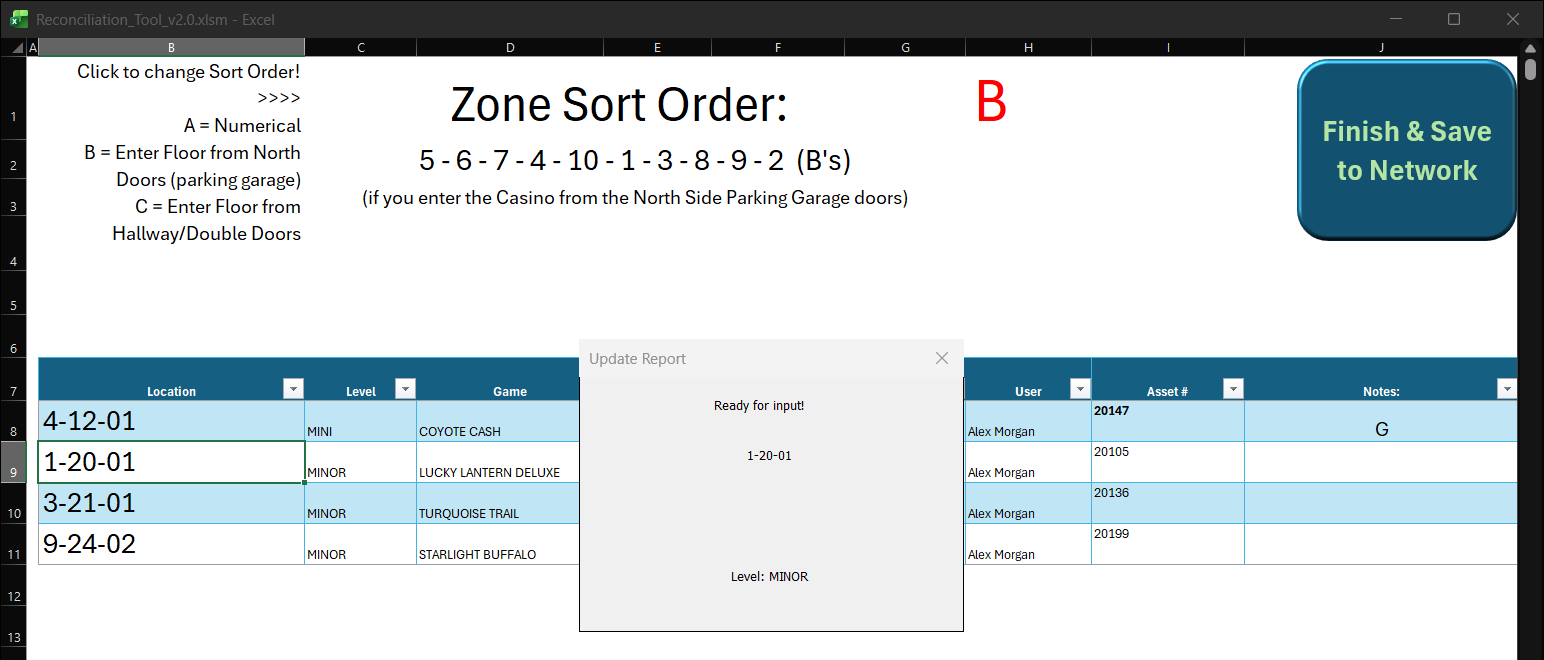
Print the floor-check list, sorted in your walk order, and tap G, U or C for each row.
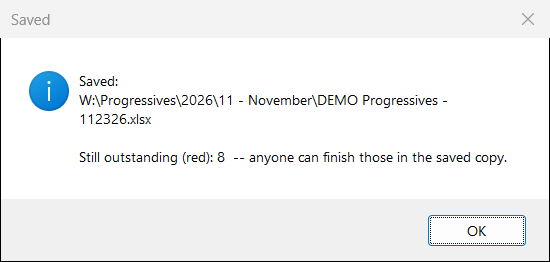
Into this month's network folder. A new month's folder is made for you.
The same answers the morning team already trusts, without the setup.
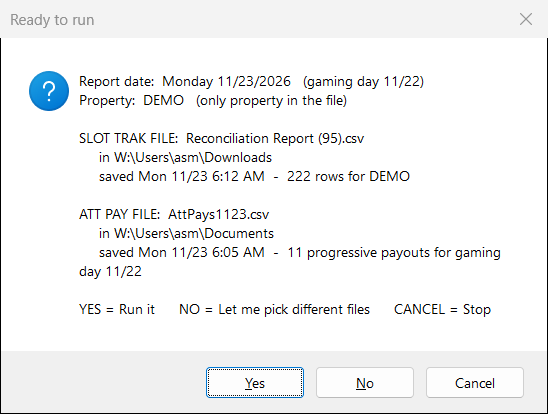
The Slot Trak report can stay in Downloads as "Reconciliation Report (95).csv". The Att Pay report can be saved in Documents under any name. The tool reads the contents, not the file name, and checks the Att Pay file covers the right gaming day.
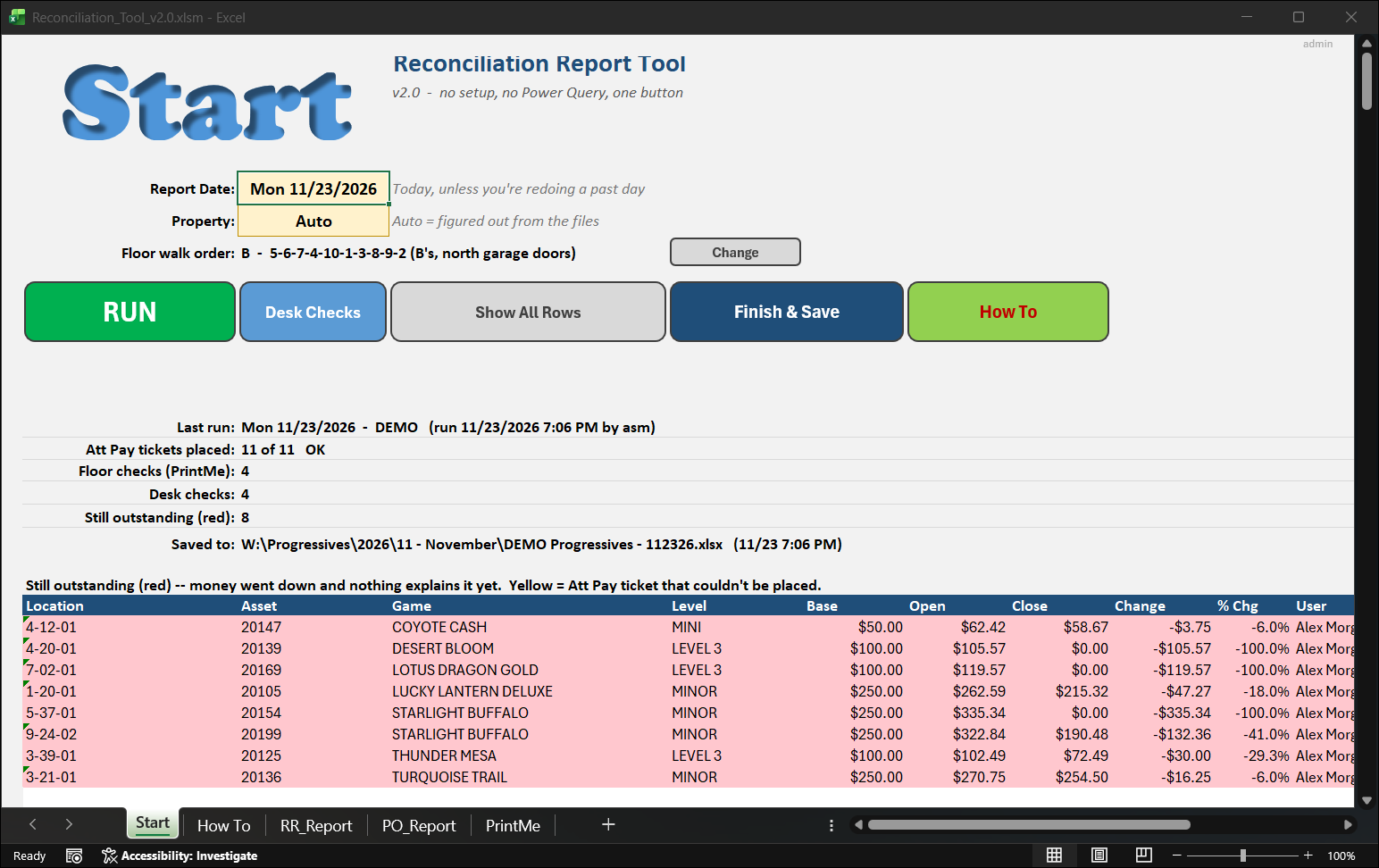
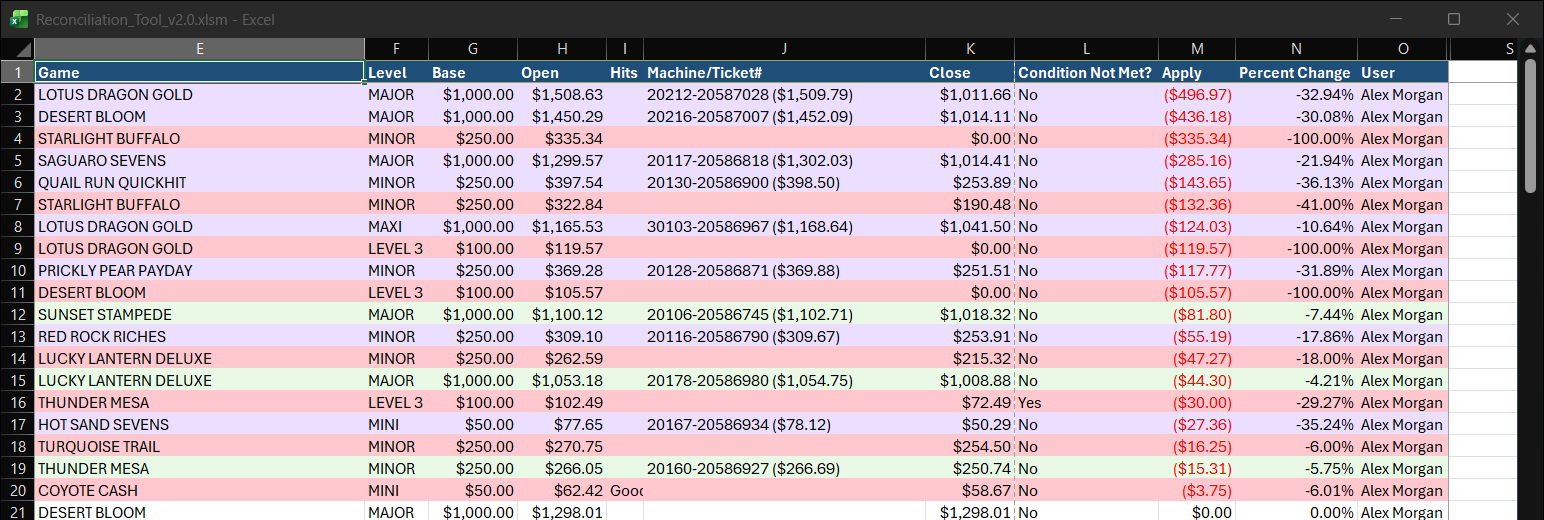
Each Att Pay progressive ticket is placed on the matching machine and level, with the machine, ticket number and amount written in. A ticket it cannot place is listed in yellow on the Start sheet.
A row turns red when the meter went down and nothing explains it. There are no dollar thresholds that hide anything, and the red clears as soon as there is an answer.
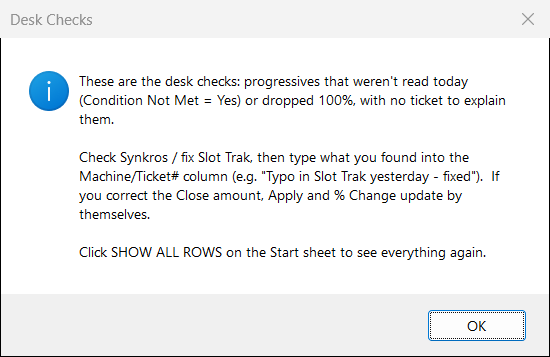
Progressives that were not read today or dropped 100% go to the desk list for Synkros and Slot Trak. Everything else goes on the PrintMe sheet to check on the floor.
The floor list is sorted by zone in the order you walk the floor, depending on which door you come in. Each person's choice is remembered.
Change the report date and press RUN. The tool uses that day's files and that day's rules, as if it were that morning. Nothing is overwritten: the old copy is moved aside, and the raw files are kept with the report.
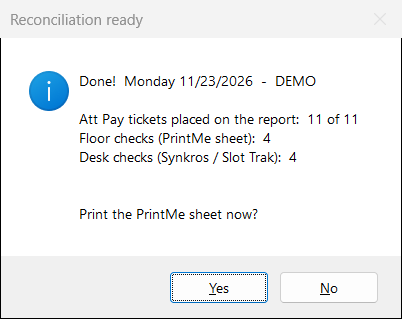
Every picture on this page is a screenshot of version 2.0, run on a made-up property called DEMO. The machines, games, names and amounts are fictional.
Export the Reconciliation Report. Leave it in Downloads.
Run the report and save it in Documents under any name, such as AttPays1123.
Check what it found, press Yes, and print the PrintMe sheet.
Check each location on the floor, then tap G, U or C for each row at the desk.
Fix the desk checks, then save. Anything still red can be finished in the saved copy.
Print it or pass it on:Download this brochure as a PDF